




Power Tool Guide for DIY: Choose the Right Drill, Driver, Saw and Accessories

The best tool is not necessarily the most powerful or the most expensive. It is the one suited to the material, task, working space and frequency of use. Buying the wrong tool can mean poor results, unnecessary expense or using equipment outside its intended purpose.
This guide explains common DIY power tools and the features worth comparing before you buy. Always check the exact model’s manual, accessory compatibility and safety requirements; product names alone do not guarantee that a tool can perform every task.
1. Start with the job, not the product listing
Write down the tasks you expect to do over the next year: assembling furniture, driving screws, drilling wood, hanging shelves, cutting boards, sanding surfaces or maintaining a garden. Note the materials, how often you will use the tool and whether you need to work indoors, outdoors or in a confined space.
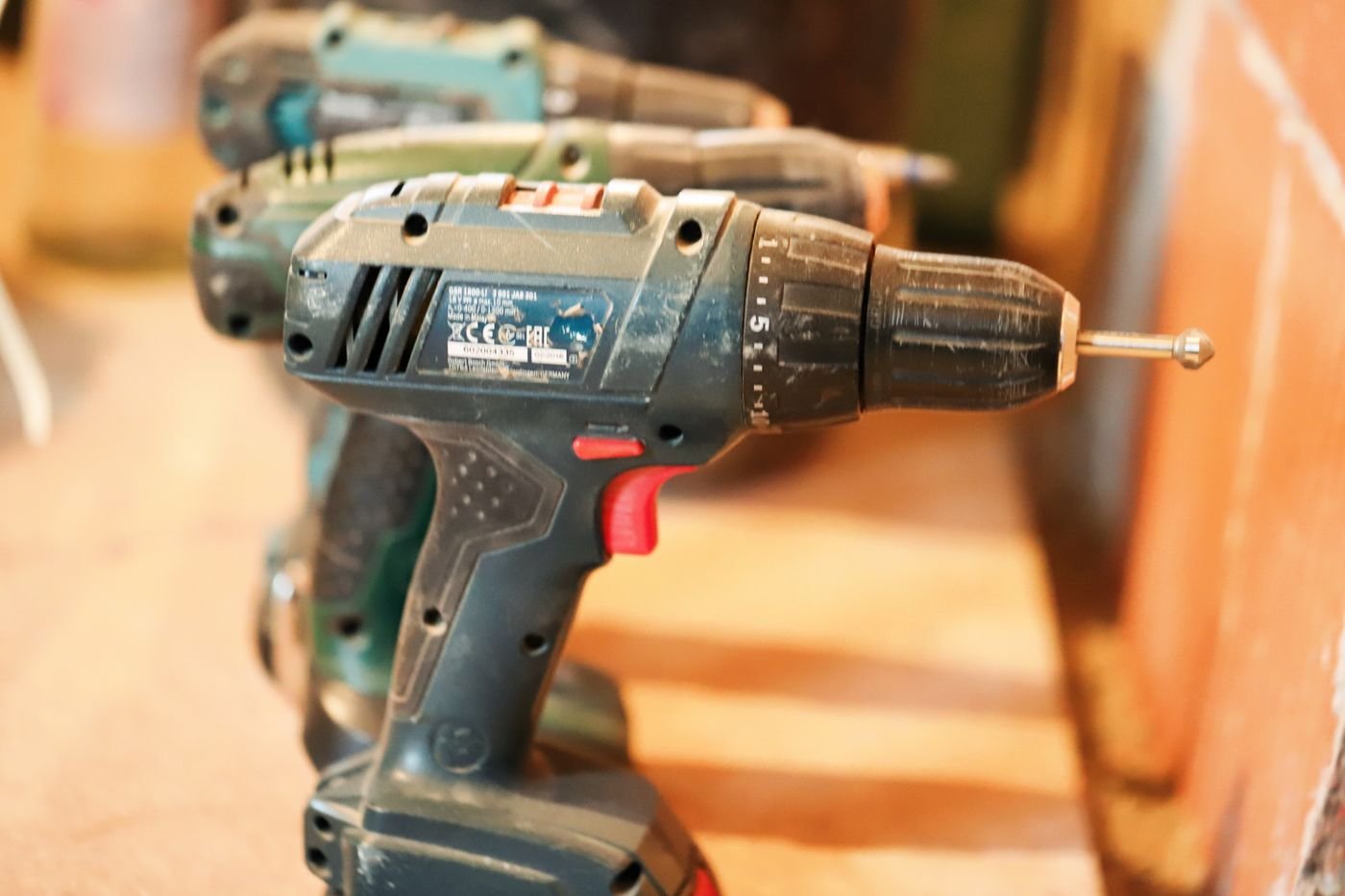
This simple list helps separate essential features from extras. A compact drill-driver may be enough for furniture and occasional holes in wood. Frequent masonry work may require a hammer drill or rotary hammer designed for that task. Long cutting sessions may justify a dedicated saw, while occasional small cuts might be handled by a suitable hand tool.
Also consider where you will use the tool. A heavy tool that feels fine for a brief test can become tiring overhead or during a long session. If you will use it only a few times, renting or borrowing a specialised tool may make more sense than buying and storing it.
2. Drill-driver, hammer drill or impact driver?
These tools can look similar, but they are designed for different work.
| Tool | Best suited to | Check before buying |
|---|---|---|
| Drill-driver | Driving screws and drilling common holes with compatible bits | Clutch range, speed control, chuck, weight and grip |
| Hammer drill | Drilling suitable masonry when the model supports that mode | Mode selection, stated capacity, compatible masonry bits and vibration |
| Rotary hammer | More demanding drilling into concrete or masonry within its rated capacity | Bit system, drilling capacity, impact energy and dust controls |
| Impact driver | Driving compatible fasteners, especially repetitive fastening tasks | Bit compatibility, trigger control, torque behaviour and risk of overdriving |
An impact driver is not simply a universal replacement for a drill. It can be excellent for suitable fastening jobs, but a drill-driver offers a chuck and clutch control that are useful for many drilling and delicate screw-driving tasks. Likewise, a hammer-drill mode is intended for particular masonry jobs, not every hard material or heavy-duty concrete application.
If you are choosing a first tool, start with the range of tasks you need to cover and compare actual model specifications. Check the chuck type and capacity, available speed settings, clutch adjustment, battery kit contents and warranty. Avoid relying on a single headline torque figure without considering ergonomics and control.
3. Choose cutting tools carefully
Circular saws, jigsaws, oscillating multi-tools and reciprocating saws each suit different kinds of cuts. A circular saw can make long, straight cuts in compatible sheet goods or timber when the workpiece is properly supported and the setup is correct. A jigsaw is useful for curves and shaped cuts within its limits. An oscillating tool can handle certain detail cuts and flush trimming with the right accessory. A reciprocating saw is often chosen for rougher demolition or pruning tasks where appropriate.

Before using any saw, confirm that the blade or accessory is intended for the material and the exact tool. Secure the workpiece, keep hands clear of the cutting path and follow the guard and operating instructions. Do not remove safety guards or improvise with incompatible blades.
For a one-off cut, a hand saw or a rental may be more practical than buying a power saw. For regular work, think about the cut quality, dust control, available guides, blade cost and storage. The right tool is the one that performs the intended task safely and consistently.
4. Features worth comparing before you buy
- Control: A responsive trigger, suitable speed range and useful clutch settings can matter more than a large maximum number.
- Ergonomics: Consider grip size, balance, weight and whether you can hold the tool comfortably in the position you need.
- Capacity: Compare the manufacturer’s stated drilling or cutting capacity for the materials you actually use.
- Accessories: Check whether the required bits, blades, guides, dust adapters or cases are included and compatible.
- Serviceability: Look for available replacement parts, clear manuals, warranty terms and local service options.
- Noise and dust: Think about where the tool will be used and what controls or protective equipment the task requires.
- Storage: A case or organised storage system can protect the tool and keep batteries and accessories together.
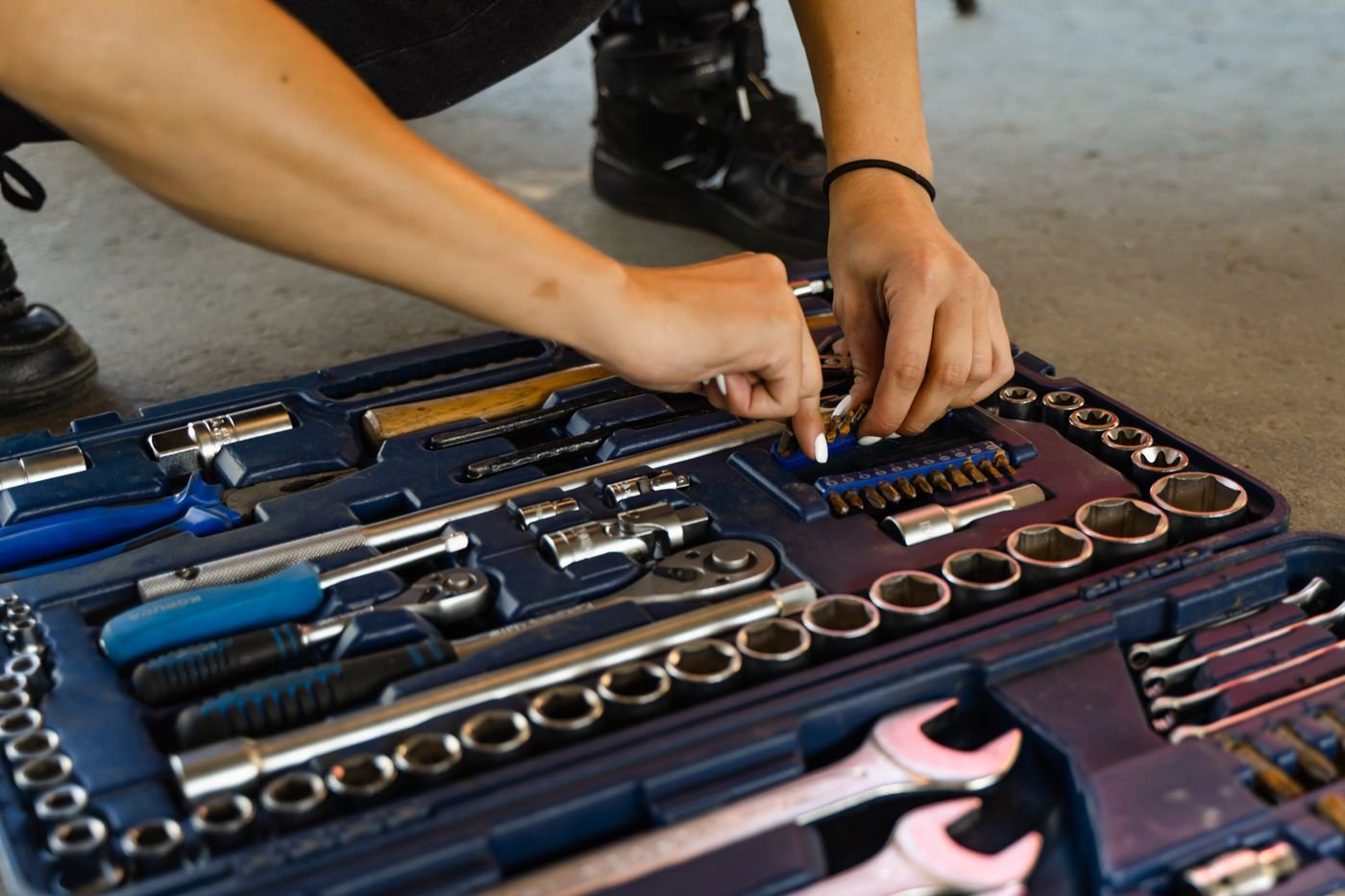
Check the practical details before purchasing: can you get replacement blades or chucks, is the battery platform likely to meet your needs, and are manuals easy to find? A bargain tool may become expensive if its consumables are difficult to source or if it cannot handle the work you bought it for.
5. Battery platforms and the real cost of ownership
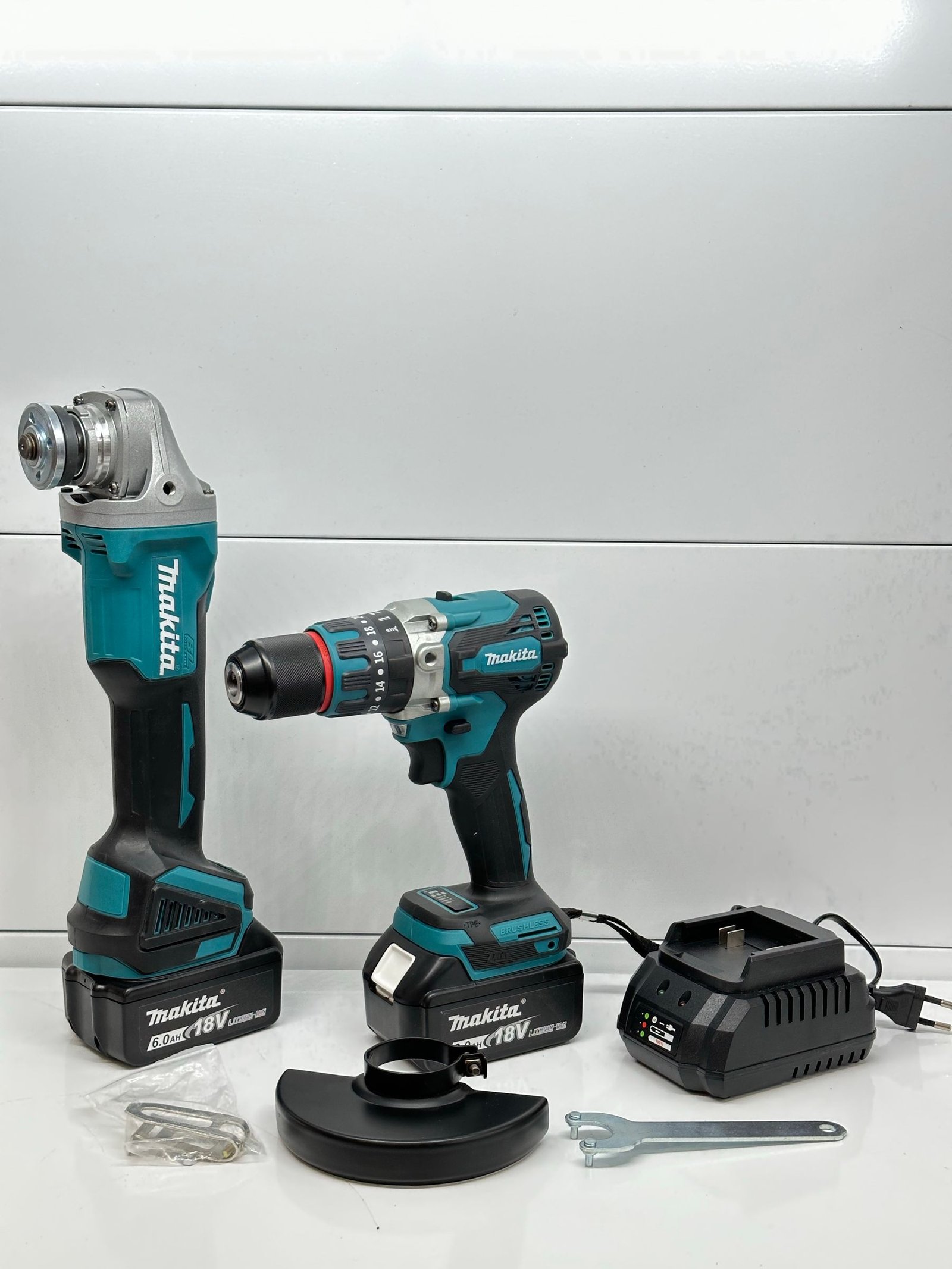
For cordless tools, compare the battery platform as well as the bare tool. If you already own compatible batteries and a charger, adding another tool from that system may be economical. If you are starting from zero, compare the cost of a useful kit with battery and charger against the cost of the bare tool. Confirm that the battery is officially compatible with the exact model; similar voltage labels or physical appearance do not guarantee compatibility.
Battery capacity affects runtime and often weight. Larger batteries may be useful for longer tasks but can make a compact tool heavier. Consider how often you work, whether a spare battery is useful and whether the brand has the other tools you may realistically need. Avoid choosing a platform solely because it has the largest catalogue if the tools do not fit your needs or budget.
Include consumables in the budget: drill bits, saw blades, sanding sheets, dust bags and replacement batteries all contribute to ownership cost. For occasional projects, a corded tool may be reasonable if a safe power supply is available and the cord will not create a trip hazard. Cordless convenience is valuable, but it is not automatically the best value for every user.
6. Setup, accessories and safe use
Read the tool manual before first use. Inspect the body, cable or battery, guard, chuck and accessory for damage. Remove the battery or disconnect power before changing accessories when instructed by the manufacturer. Clamp the workpiece, keep the work area clear and ensure that the bit or blade is installed correctly.
Use eye protection for tasks that can produce flying debris; hearing and respiratory protection may also be needed depending on the material and tool. Dust from some materials can be hazardous, so choose suitable extraction and protection rather than assuming an ordinary vacuum is adequate for every task. Tie back long hair, avoid loose clothing and keep hands away from moving parts.
Never drill or cut where hidden cables or pipes may be present until appropriate checks have been made. Stop if a tool vibrates unusually, overheats, smells burnt, binds or shows visible damage. Do not continue just to finish a cut or hole. For electrical, gas, structural or other specialist work, use qualified guidance when required.
Power tool buying checklist
- List the real jobs and materials you expect to work with.
- Choose the tool type designed for those tasks.
- Compare control, ergonomics, capacity, accessories and service support.
- Calculate the full kit cost, including batteries, charger and consumables.
- Confirm compatibility and read the exact model’s manual.
- Plan safe storage, dust control and task-appropriate protective equipment.
Frequently asked questions
Should I buy a drill-driver or an impact driver first?
For many general DIY users, a drill-driver is the more versatile first tool because it can drill and drive screws with a chuck and clutch. An impact driver becomes useful when suitable fastening work is frequent. The best choice still depends on your actual tasks.
Do higher voltage or torque numbers always mean a better tool?
No. Specifications should be compared within the same tool category and with the intended task in mind. Control, balance, rated capacity, accessories and service support can be just as important.
Can one saw cut every material?
No. The tool, blade, accessory and operating procedure must suit the material. Check the manufacturer’s compatibility guidance and never fit an accessory outside its rated use.
Is a larger battery always better?
A larger battery may provide longer runtime but can add weight and cost. Choose a capacity that suits the expected workload and the tool’s balance.
Bottom line: buy for the work you genuinely do. The right tool, a compatible accessory and a careful setup usually deliver more value than raw power or a long feature list.
Explore more Tool Tips & Fixes
Continue with the Tool Tips & Fixes hub for more practical tutorials and buying advice.