

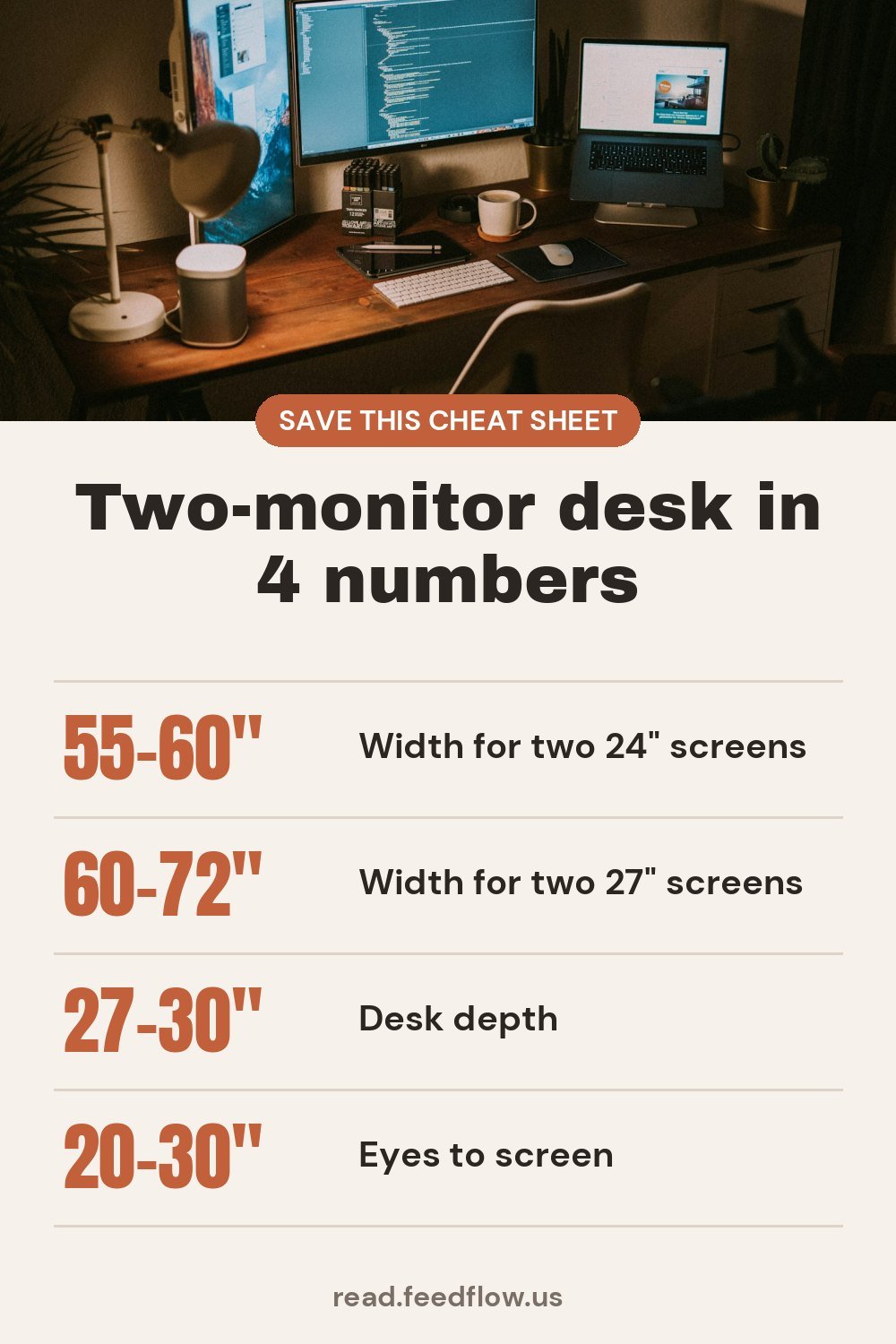
For two 24-inch monitors side by side, look for a desk at least 55 to 60 inches wide and about 27 to 30 inches deep. Two 27-inch screens need closer to 60 to 72 inches of width. The depth matters as much as the width, because it sets how far the screens sit from your eyes.
The Short Answer
- Two 24-inch monitors: 55 to 60 in wide, 27 to 30 in deep.
- Two 27-inch monitors: 60 to 72 in wide, 30 in deep.
- Laptop plus one monitor: 48 in wide often works.
Desk Width by Monitor Setup
| Setup | Screens side by side (approx.) | Desk width |
|---|---|---|
| Two 22 to 24 in | About 42 to 44 in | 55 to 60 in |
| Two 27 in | About 48 to 50 in | 60 to 72 in |
| Two 32 in | About 57 to 60 in | 72 in or more |
| One ultrawide 34 in | About 32 to 33 in | 48 to 60 in |
Check the exact monitor widths, including stands, before buying.
Desk Depth and Viewing Distance
Monitors are usually comfortable about an arm’s length away, roughly 20 to 30 inches. A 24-inch-deep desk can feel too close with large screens; 27 to 30 inches leaves room for the keyboard and a comfortable distance. Monitor arms add flexibility on shallow desks.
Setup Tips
- Angle the screens slightly toward you in a shallow V.
- Keep the top of the screens at or slightly below eye level.
- Center your main screen in front of you if you use one more than the other.
- Check desk height: see standard desk height.
- Leave space behind your chair: see space behind a desk chair.
FAQ
Is a 48-inch desk big enough for two monitors?
For two small 22 to 24 inch monitors, it is tight but possible, especially with monitor arms.
How deep should a desk be for two monitors?
About 27 to 30 inches.
Is an L-shaped desk better?
It can be, if you need separate space for paperwork or a laptop.
Feed Flow’s Take
Add up the monitor widths, add about 12 to 16 inches, and choose a desk at least 27 inches deep. That keeps the screens comfortable and leaves room to work.